Digital banking services for your unique lifestyle.
Digital banking services for your unique lifestyle.

Anytime, Anywhere Banking
Life doesn’t slow down for anyone, and our digital banking services keep the pace. Bank from your computer, tablet, or smart phone because our services offer an intuitive experience that simplifies your finances. Whether you need to check balances, deposit a check or transfer funds, digital banking connects you to your accounts no matter where life takes you.
Banking on the Go
Our digital banking services are packed with features that help you take control of your financial journey. Access your accounts effortlessly from your desktop, tablet, or digital app. Whether you’re checking your balances, setting up balance alerts, or needing to quickly transfer funds, you’ll appreciate our streamlined digital banking technology.
Plus, you’ll have peace of mind with robust security features like Face ID and two-factor authentication. Our digital banking services are made to flow seamlessly with the way you want to live.
How Does Digital Banking Work?
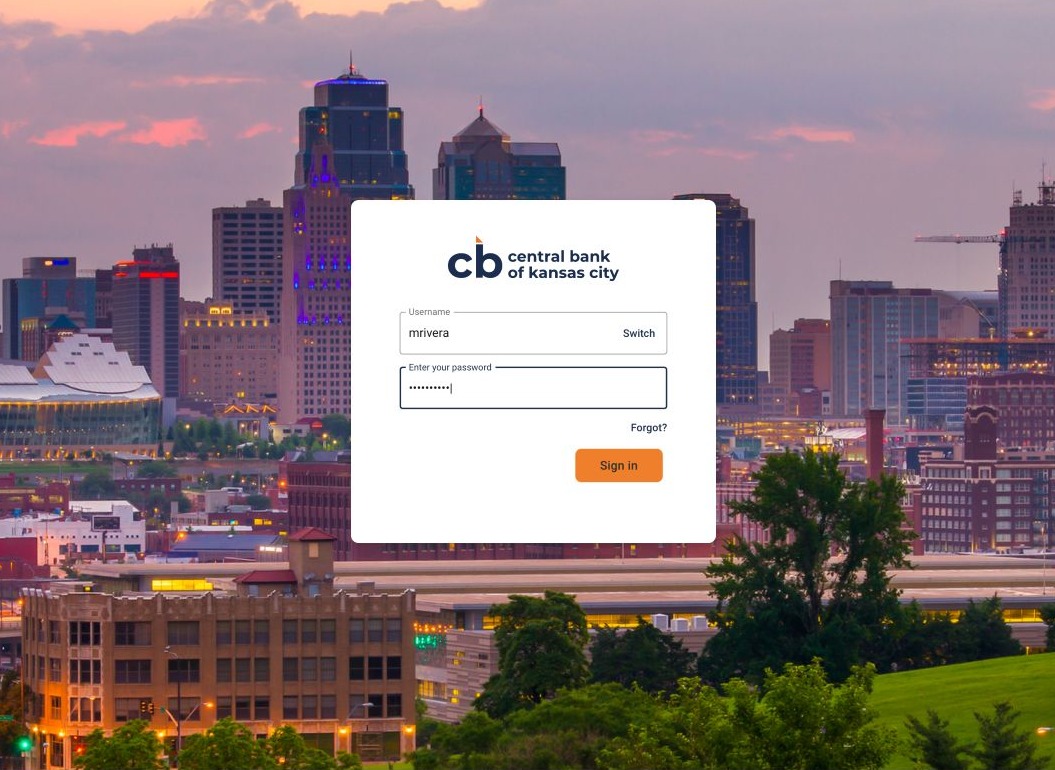
Everything is at your fingertips with digital banking whether on your computer, tablet or phone. As a customer of Central Bank of Kansas City, simply visit our homepage and log in with your username. You’ll be redirected to a secure page to enter your password.
Once inside, your personalized dashboard has everything you need to manage your accounts, including the ability to set up balance and transaction alerts. Whether you wish to pay a bill or deposit a check (app), the intuitive process makes it easy to stay on top of your finances 24/7.

Click to Pay Bills
No more missing payments or writing checks. The bill pay feature of our digital banking services makes it much easier to manage expenses. Quickly and securely pay your bills directly from your account or schedule recurring payments. Alerts and reminders help you manage your financial commitments in a timely manner.
Banking on Your Terms
When you choose our digital banking services, you’re choosing convenience, security, and flexibility.
Our features allow you to:
- Access your account from desktop, tablet or phone
- Log into the digital app with your PIN or Face ID
- Personalized dashboard based on your needs
- Enroll and view your electronic statements
- Review balances and transactions
- Transfer funds between Central Bank accounts
- Quickly and securely pay bills
- Deposit checks in a snap
- Set up transaction and balance alerts
- Manage debit cards with blocks and alerts
- Check your account and routing numbers
- Chat with a banker during normal business hours
Getting Started with Digital Banking
Download the Central Bank of Kansas City app from your app store and follow the prompts to set up your account. Once authenticated, you’ll enjoy seamless access with a PIN or Face ID.

For desktop users, logging in is just as simple. Access your accounts utilizing our secure website. If you have questions or need help, we’ll be happy to guide you through each step.


Need Assistance?
One of our friendly team members is just a call or chat away. Reach out at 816-483-1210 during normal business hours or use our convenient chat feature through digital banking.